
Beyond Code Generation: AI-Assisted Embedded Development with Arm CMSIS
AI coding assistants can generate a UART driver in seconds. But when the output is garbled or an application unexpectedly enters a HardFault handler, the problem may not be obvious from the source code. Developers need to inspect registers, examine memory, analyze fault information, and compare their findings with device documentation.
Arm's CMSIS Developer Assistant extends AI assistance to these tasks. This free, pre-release Visual Studio Code extension connects AI agents such as GitHub Copilot, Claude Code, and Codex to CMSIS development tools through the Model Context Protocol (MCP). Agents can work with actual build results and connected Cortex-M targets, rather than relying on code alone.
CONNECTING AI AGENTS TO EMBEDDED DEVELOPMENT TOOLS
The extension works with CMSIS Solution and CMSIS Debugger in the Arm Keil Studio environment. Three capabilities make this possible:
- MCP Tools let agents invoke supported operations to build and program firmware, control execution, inspect memory and registers, and use serial interfaces.
- AI Skills provide guided workflows for project setup, board support, and debugging.
- Target Context provides device-specific information from CMSIS projects, software packs, SVD files, and technical documentation.
Together, these capabilities give an AI agent both the tools to investigate an issue and the information needed to interpret what it observes.

SCENARIO 1: INVESTIGATING A CORTEX-M HARDFAULT
When firmware enters a HardFault handler, developers typically inspect fault status registers, reconstruct the exception context, and map the failing instruction back to source code. The CMSIS Developer Assistant can help automate parts of that investigation.
Try asking:
"Build and program the application, start debugging, and investigate why execution enters the HardFault handler. Identify a likely cause and suggest a correction."
Using CMSIS Debugger, the agent can examine fault registers, stack information, and available debugging symbols to form a diagnosis.
The engineer can then review the evidence: for example, the CFSR and HFSR values, relevant fault address registers when valid, and the stacked program counter when recoverable. This helps distinguish a supported diagnosis from an AI-generated guess.
SCENARIO 2: TROUBLESHOOTING UART CONFIGURATION
Suppose UART output is garbled even though the initialization code appears correct. The underlying issue could involve the peripheral clock, baud-rate settings, or configuration sequence.
Try asking:
"The UART output is garbled. Inspect the peripheral registers and compare the baud-rate configuration with the actual clock settings. Identify any discrepancies."
The agent can read available live register values, interpret their fields using CMSIS-SVD descriptions, and consult device documentation to investigate mismatches. The developer can verify the findings against the reference manual and measured hardware behavior.
The assistant can also analyze ELF symbols, linker sections, memory usage, and build errors—useful tasks even without a live debugging session.
GETTING STARTED
- Install Arm Keil Studio and CMSIS Developer Assistant in Visual Studio Code.
- Configure your supported AI agent using the Command Palette: CMSIS Developer Assistant: Configure Agent.
- Open a CMSIS solution and configure the target and debugger, or start by asking the agent to create a project.
- Experiment by asking the agent to build the application, halt at main(), and inspect processor registers.
The extension is still pre-release, and capabilities depend on the project, toolchain, debugger, and target. Developers should review proposed changes, control hardware operations, and validate conclusions.
BEYOND CODE GENERATION
By connecting AI agents to established CMSIS build and debugging tools, the CMSIS Developer Assistant brings AI into practical embedded workflows—from resolving build errors to examining live hardware faults. It offers a useful way to reduce repetitive investigation while keeping engineering judgment and verification firmly in the developer's hands.
Resources:
CMSIS Developer Assistant - VS Code Marketplace
CMSIS Developer Assistant - GitHub Repository
A demonstration of the CMSIS Developer Assistant is coming soon! Sign up for Joral Technologies updates to stay informed!
RELATED NEWS
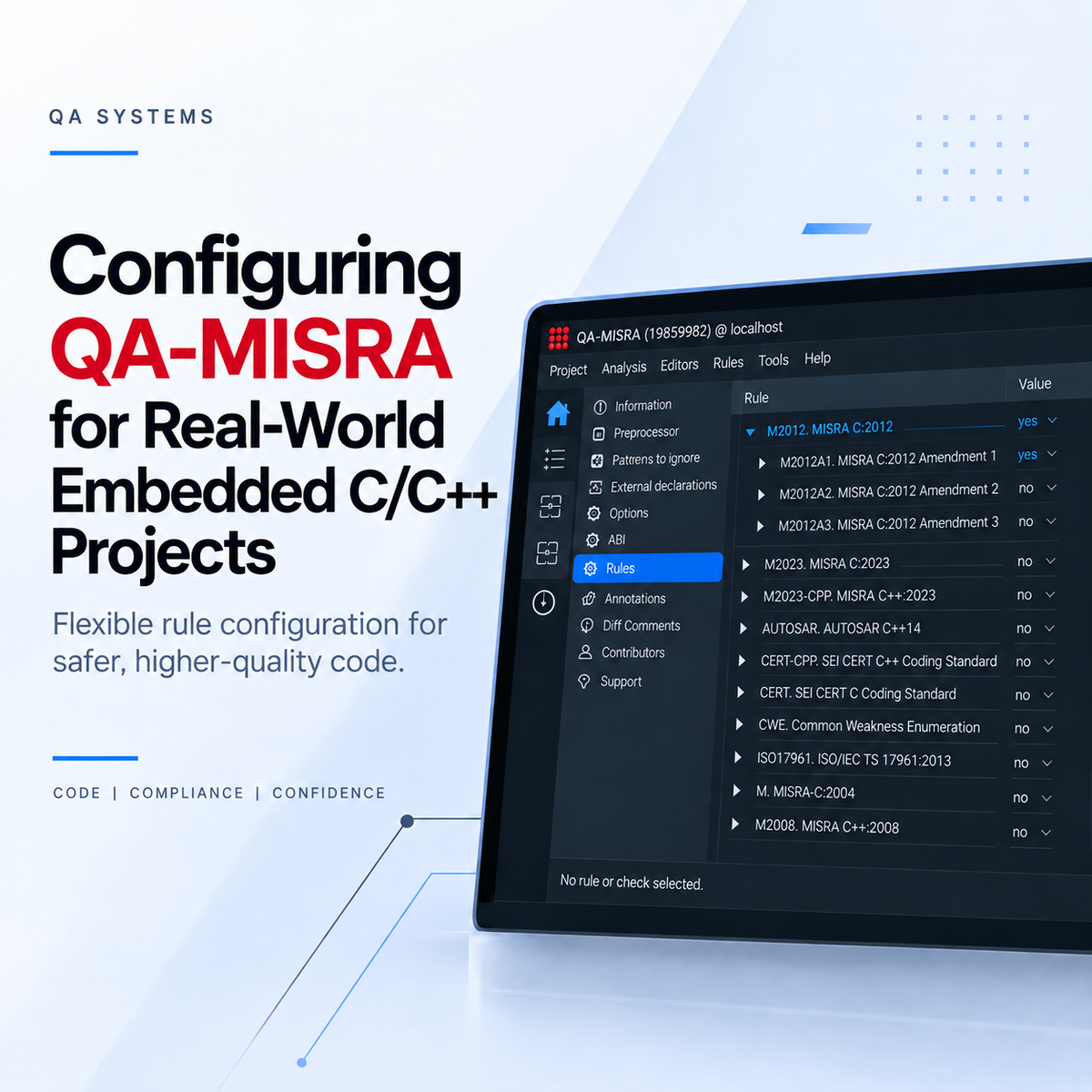
Configuring QA-MISRA for Real-World Embedded C/C++ Projects
Getting QA-MISRA running is only the first part of the setup. For an actual embedded project, you will usually need to decide which coding rules should be checked, how compiler-specific code sho[...]
Read more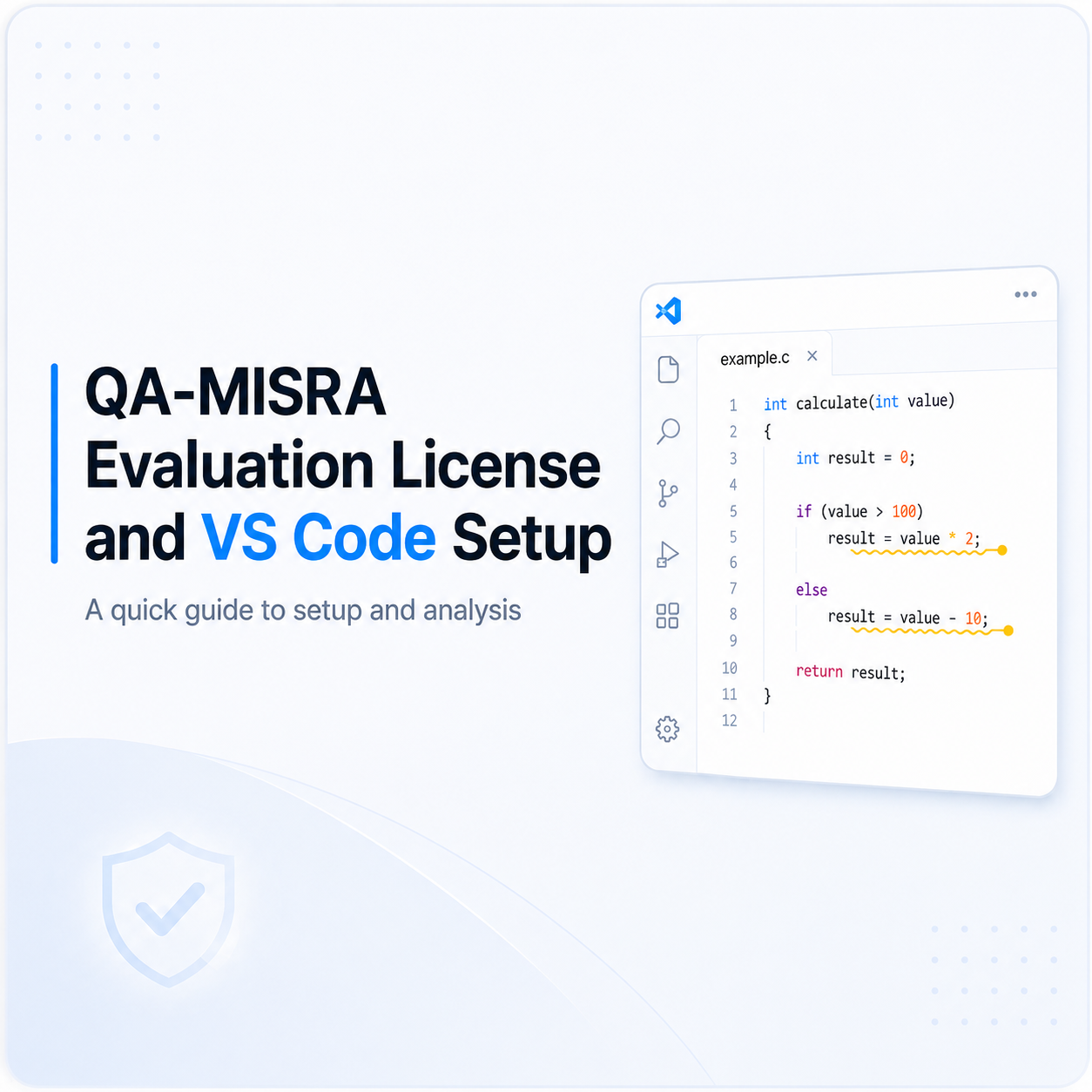
Setting Up a QA-MISRA Evaluation License and VS Code Extension
The following steps explain how to activate a QA-MISRA evaluation license, configure the local server, install the QA-MISRA extension in Visual Studio Code, and run an example analysis. 1. Requ[...]
Read more
Using QA-MISRA to Bring Coding Standards into C/C++ Development
In embedded and safety-critical software, coding standards help reduce risky language behaviour, improve consistency, and make software easier to review and verify. This is especially important i[...]
Read more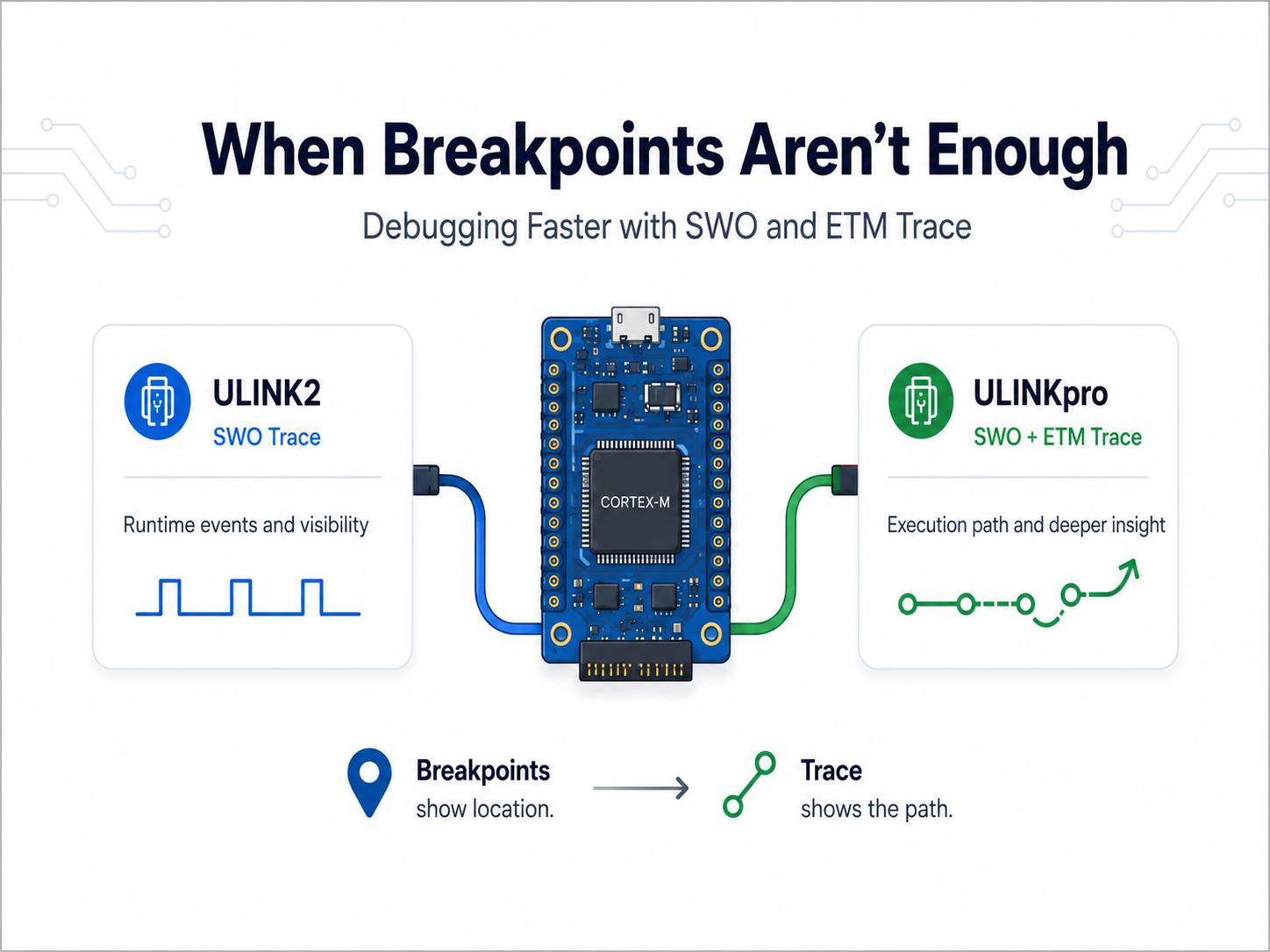
When Breakpoints Aren’t Enough: Debugging Faster with ULINKpro Trace
Most embedded developers are familiar with the usual debugging cycle: set a breakpoint, stop the processor, inspect the problem, make a change, and try again. That works well until the problem [...]
Read more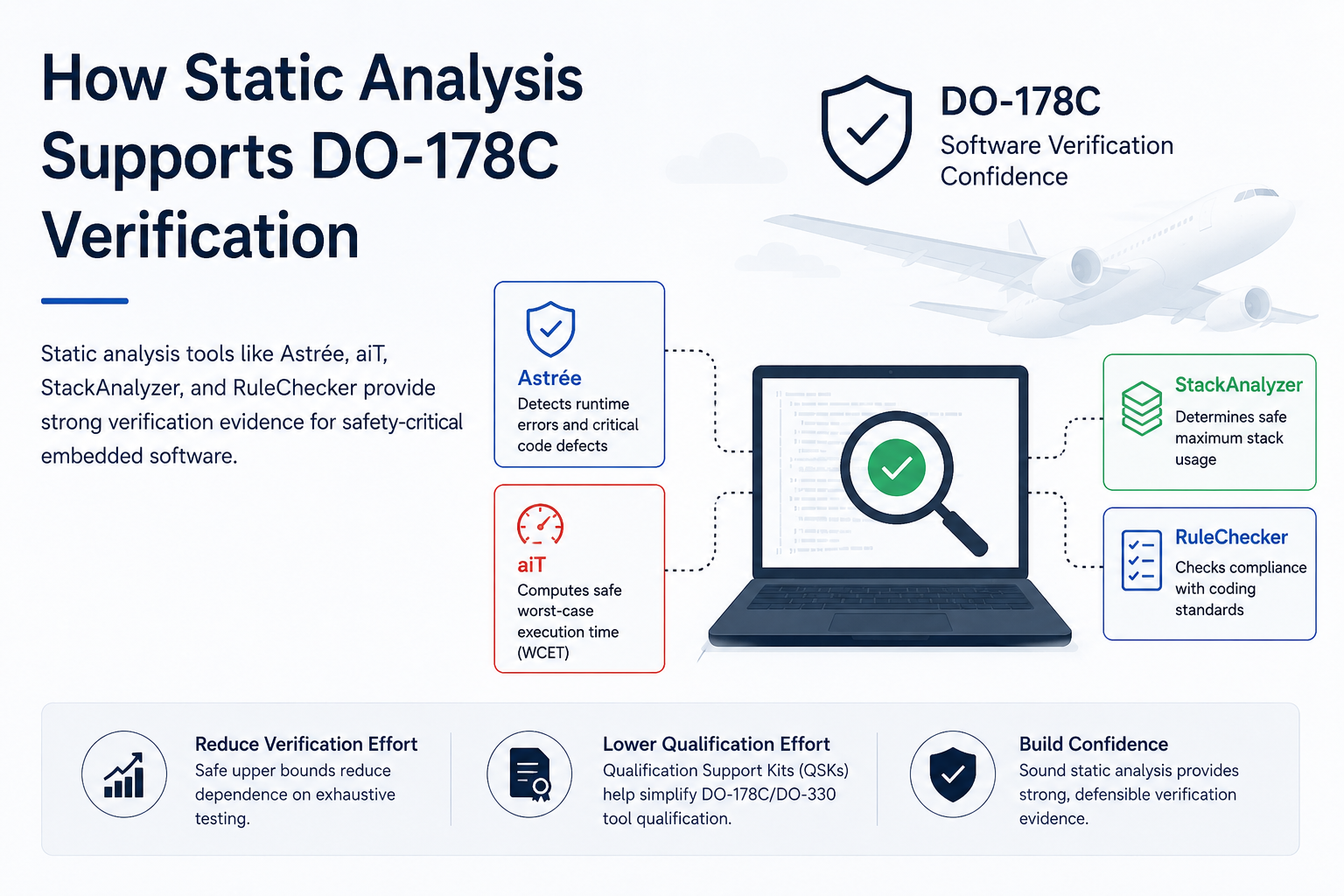
How Static Analysis Supports DO-178C Verification
Developing software for airborne systems requires strong verification evidence, especially for higher-criticality applications. DO-178C defines objectives for airborne software development and ve[...]
Read more
EMBEDDED IS EVERYWHERE

PRODUCTS
Manufacturers
Resource center