
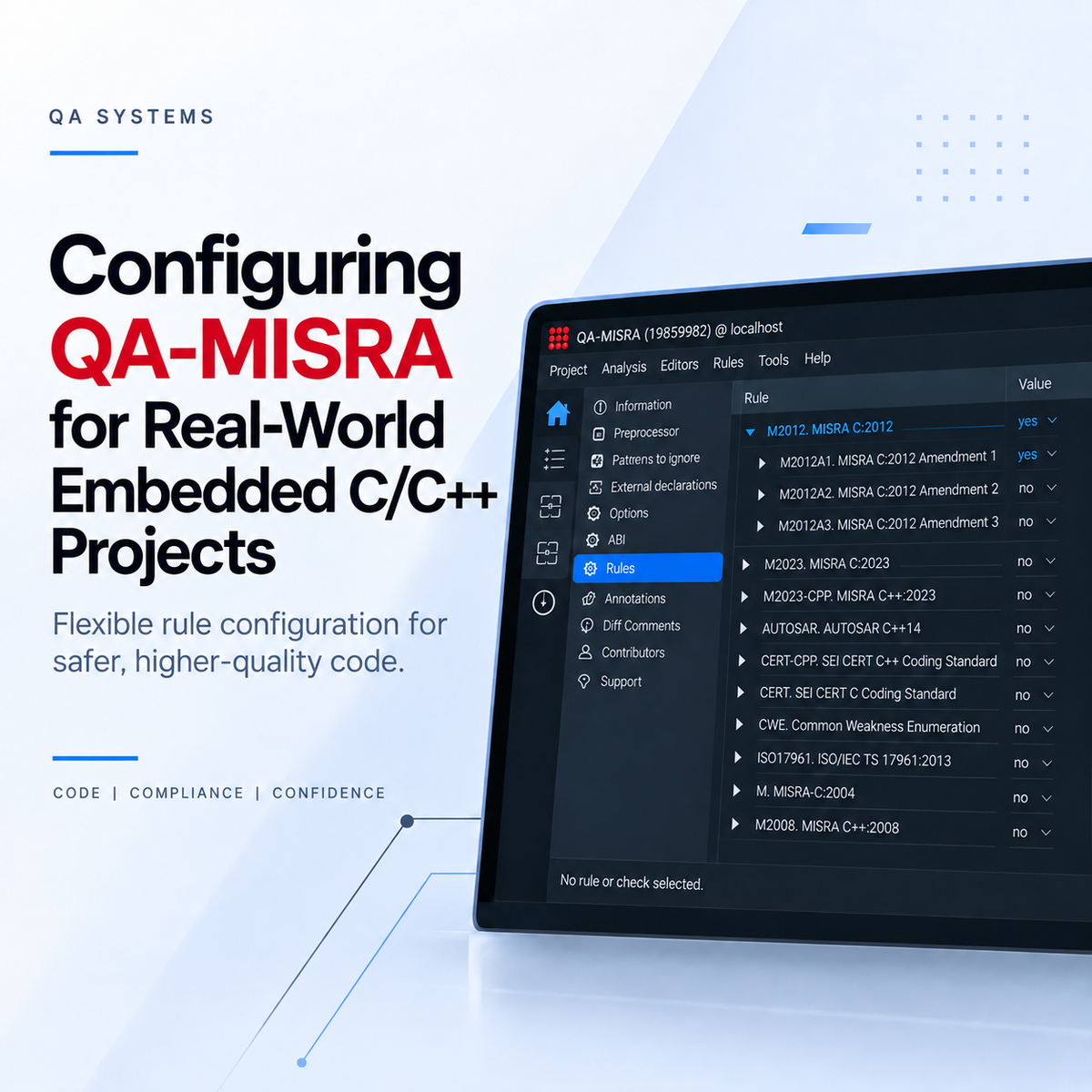
Configuring QA-MISRA for Real-World Embedded C/C++ Projects
Once QA-MISRA has been set up for a C or C++ project, the next step is adapting the analysis to the requirements of the development team.
Different projects may follow different coding standards, use compiler-specific extensions, or have their own internal coding guidelines. QA-MISRA provides flexible configuration options that allow teams to tailor the analysis to the requirements of their project.
CONFIGURE RULES FOR YOUR PROJECT
Not every project needs to apply every coding rule in exactly the same way.
From the QA-MISRA GUI, individual rules within supported coding standards can be enabled or disabled. This allows teams to create a rule configuration that matches the requirements of a particular project.
Rules from available standards can also be combined into a project-specific configuration. These configurations can be exported and reused across other projects, helping development teams maintain a consistent internal coding policy.
Select Coding Standard → Configure Rules → Save Configuration → Reuse Across Projects
Individual findings can also be suppressed where an exception has been reviewed and accepted, while files or parts of a project can be handled differently where required.
For organizations that require completely new custom rules, QA Systems can also work with customers to implement project-specific checks.
ANALYZING REAL EMBEDDED C/C++ CODE
Embedded projects often contain more than standard C or C++ source code.
Macros, compiler-specific keywords, attributes, pragmas, and architecture-specific definitions are commonly used throughout embedded applications.
QA-MISRA performs preprocessing as part of the analysis, allowing macros and their expanded code to be checked.
QA-MISRA also supports a range of language extensions, while additional compiler-specific constructs can be handled through project configuration where required.
REVIEWING RESULTS AND GENERATING REPORTS
QA-MISRA findings can be reviewed directly within the GUI through the Results view.
When using an IDE integration such as Visual Studio Code, detected issues can also be displayed directly within the development environment.
Analysis results can also be exported into reports, including formats such as HTML and CSV.
These reports can be useful for code reviews, project documentation, compliance activities, or sharing findings with other members of the development team.
BRING CODING STANDARDS INTO YOUR WORKFLOW
QA-MISRA can be adapted to different C and C++ projects through configurable rule sets, reusable project configurations, support for embedded language constructs, and flexible reporting options.
Instead of treating coding-standard compliance as a separate activity at the end of a project, teams can make it part of their normal development process.
For an introduction to QA-MISRA, see: Using QA-MISRA to Bring Coding Standards into C/C++ Development
For evaluation license and VS Code setup instructions: Setting Up a QA-MISRA Evaluation License and VS Code Extension
For an evaluation license, demonstration, or assistance with integrating QA-MISRA into your development workflow, contact: hrutik.champaneri@joraltechnologies.com
RELATED NEWS
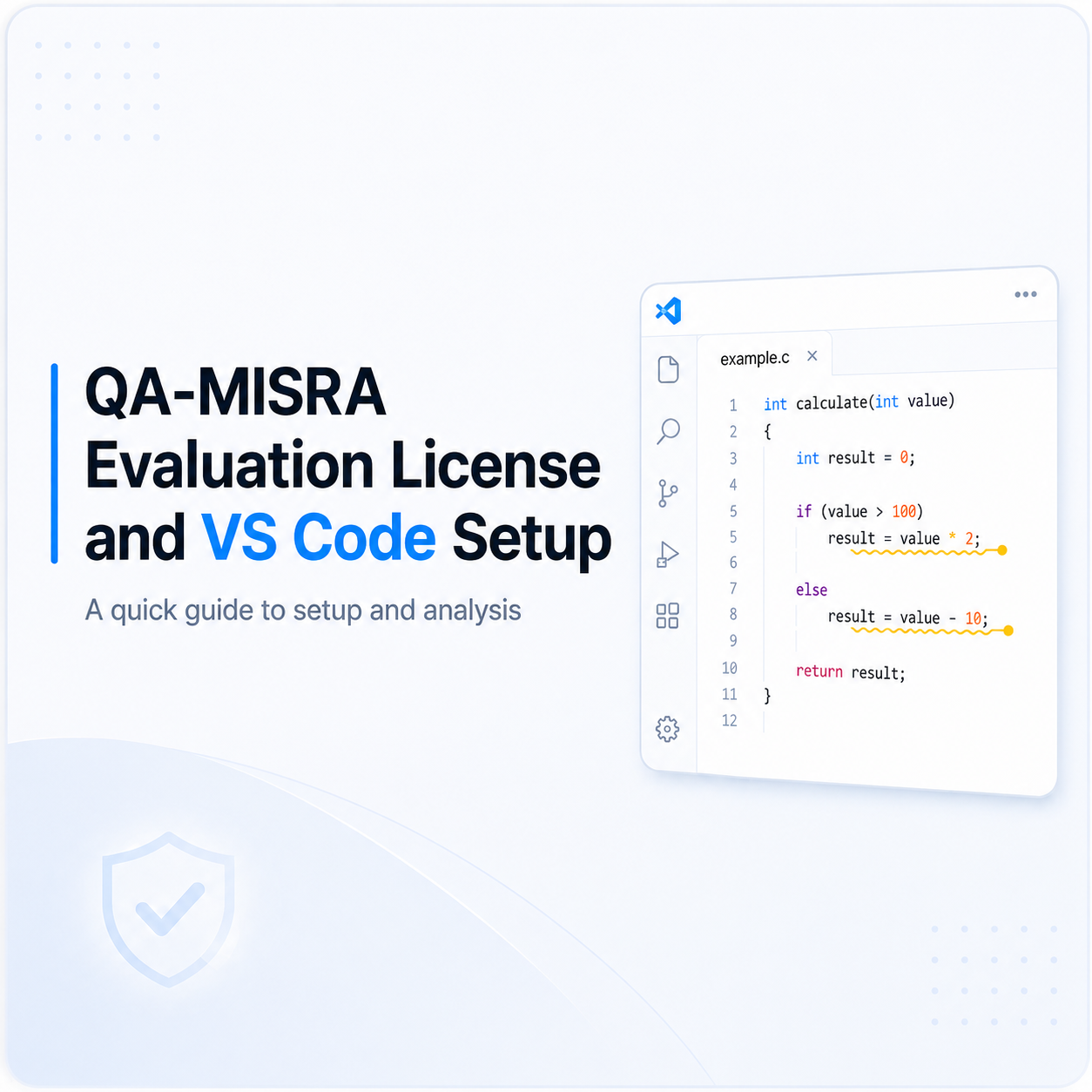
Setting Up a QA-MISRA Evaluation License and VS Code Extension
The following steps explain how to activate a QA-MISRA evaluation license, configure the local server, install the QA-MISRA extension in Visual Studio Code, and run an example analysis. 1. Requ[...]
Read more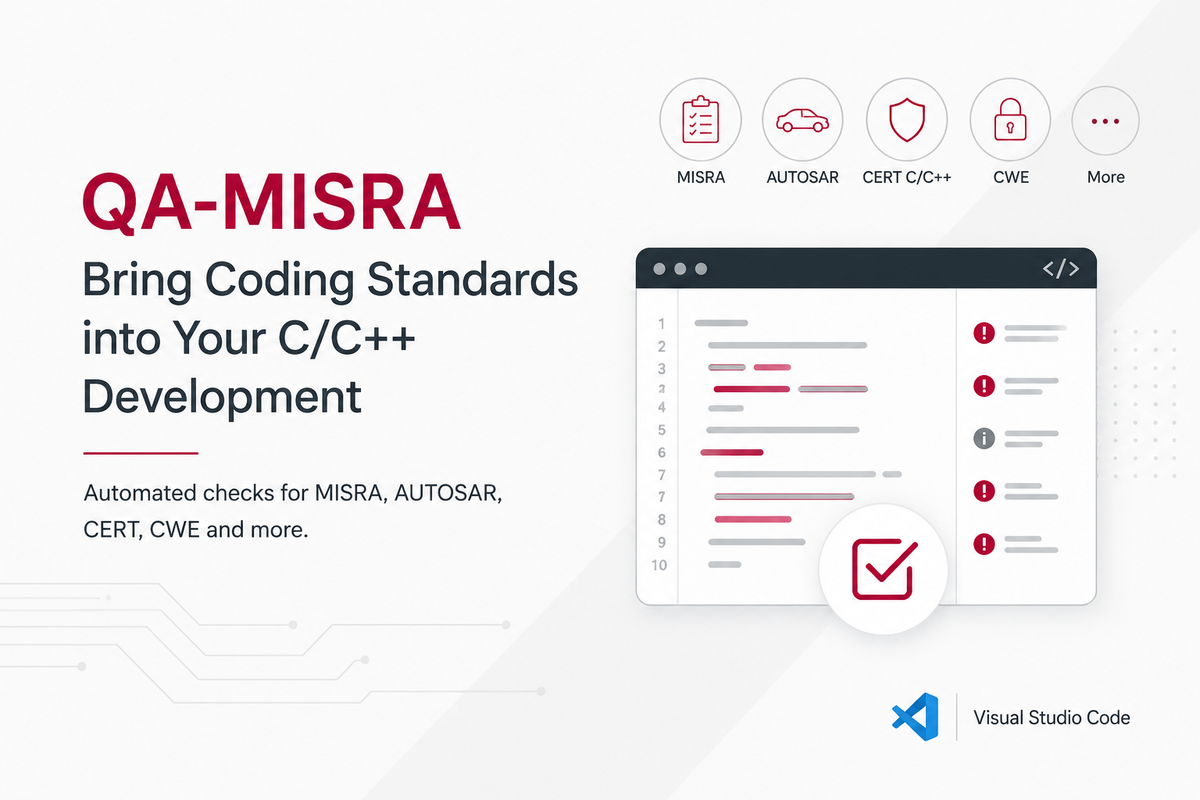
Using QA-MISRA to Bring Coding Standards into C/C++ Development
In embedded and safety-critical software, coding standards help reduce risky language behaviour, improve consistency, and make software easier to review and verify. This is especially important i[...]
Read more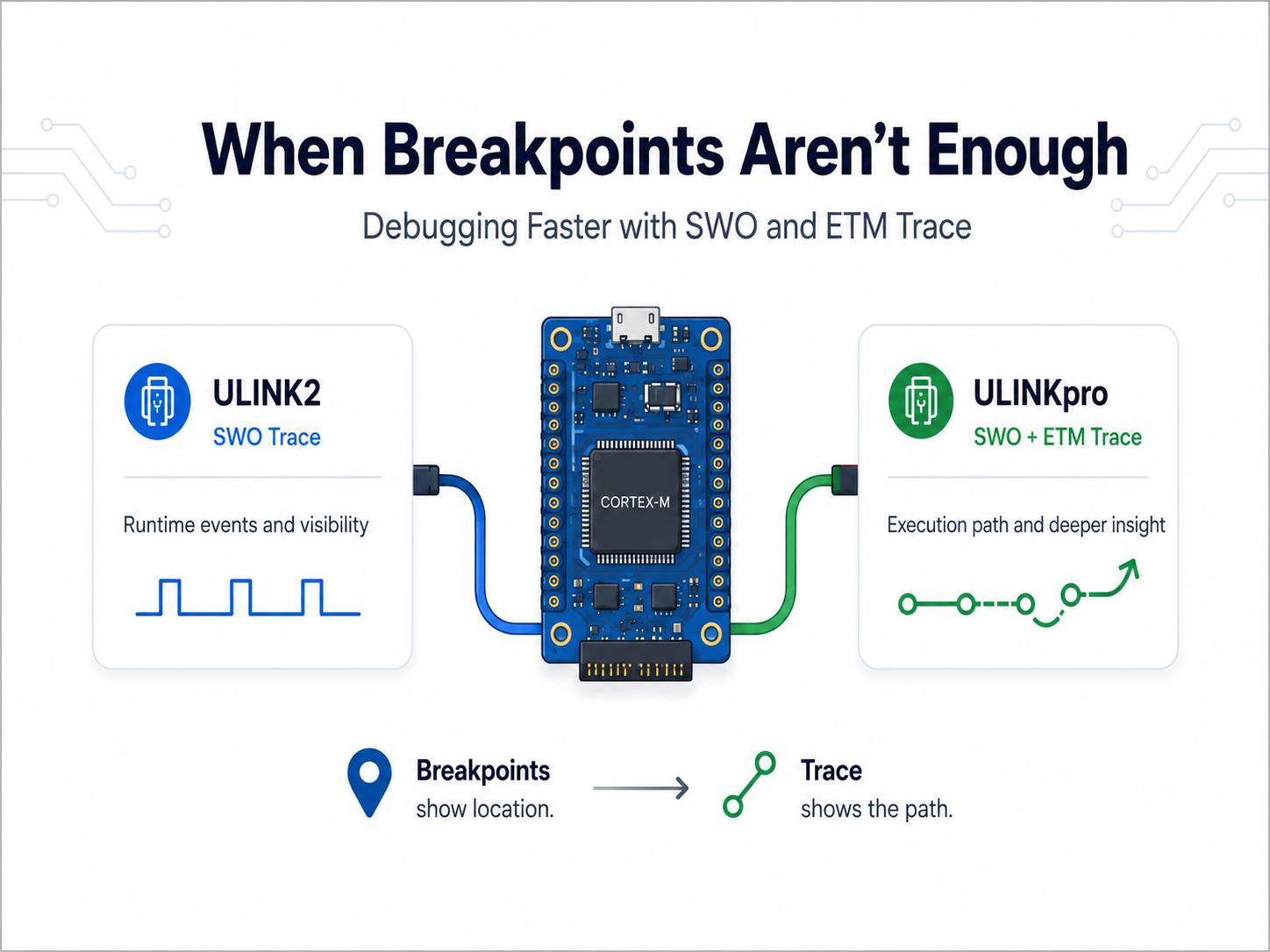
When Breakpoints Aren’t Enough: Debugging Faster with ULINKpro Trace
Most embedded developers are familiar with the usual debugging cycle: set a breakpoint, stop the processor, inspect the problem, make a change, and try again. That works well until the problem [...]
Read more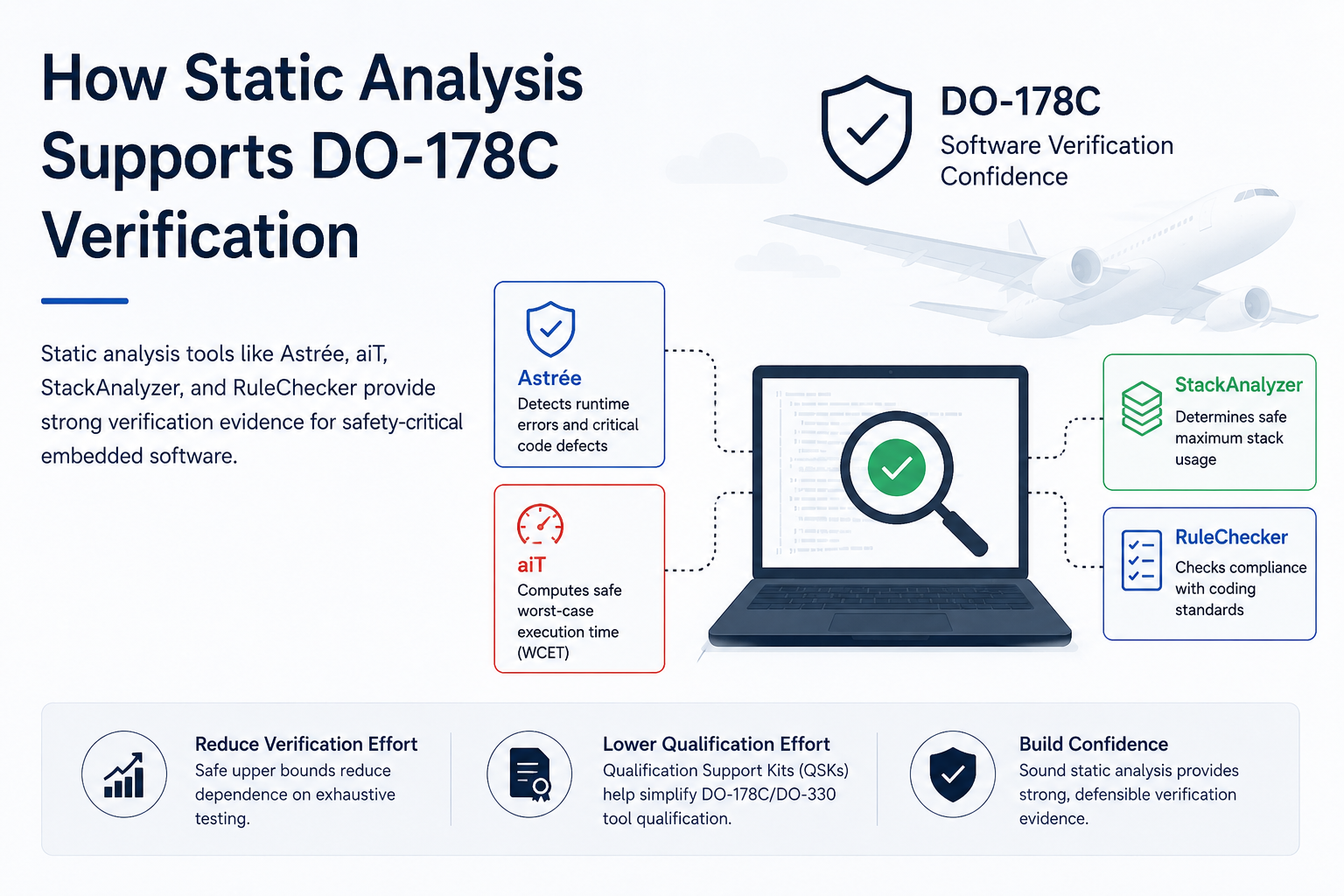
How Static Analysis Supports DO-178C Verification
Developing software for airborne systems requires strong verification evidence, especially for higher-criticality applications. DO-178C defines objectives for airborne software development and ve[...]
Read more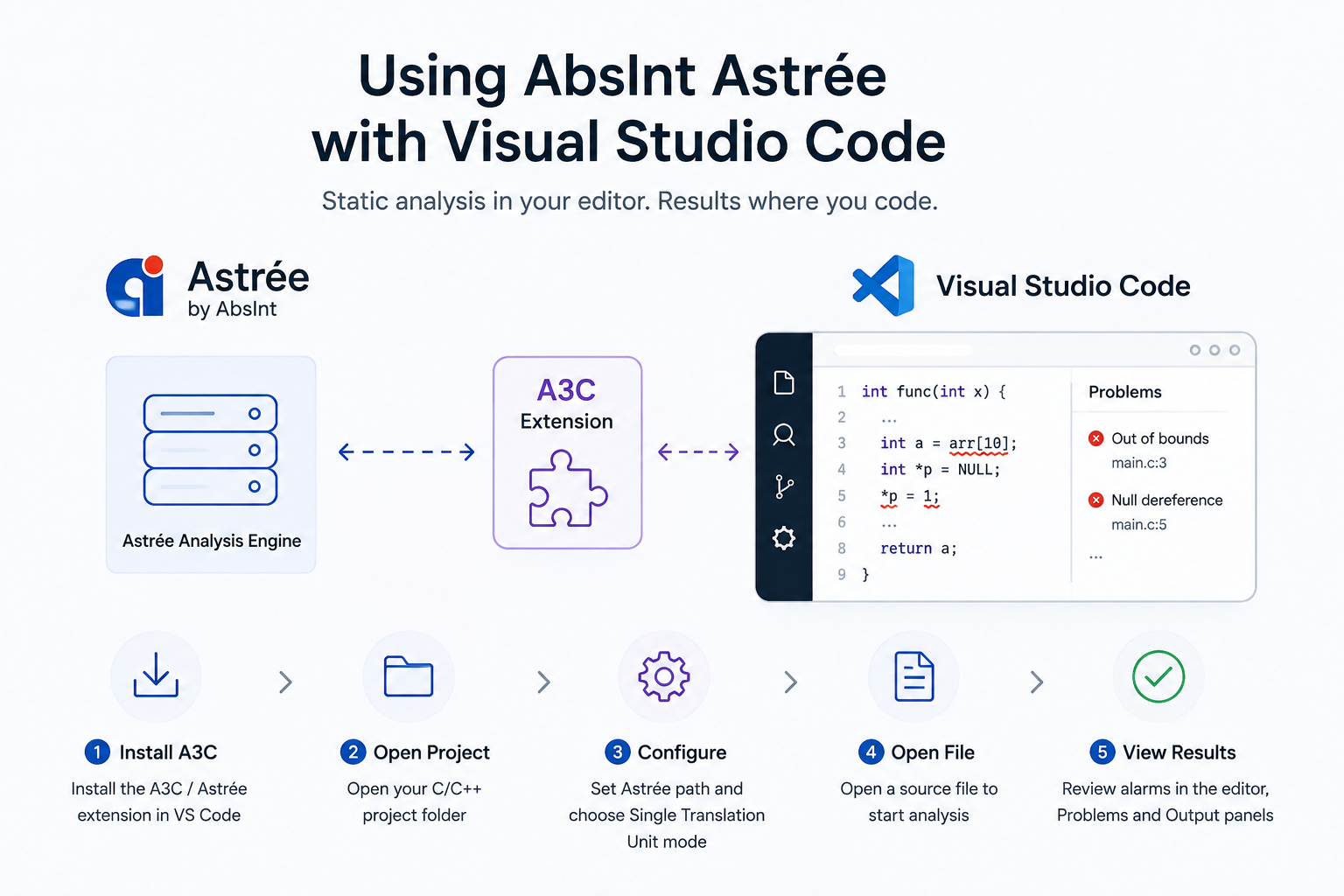
Installing and Using AbsInt Astrée with Visual Studio Code
AbsInt Astrée can be integrated with Visual Studio Code using the A3C extension, allowing developers to run Astrée analysis and review detected alarms directly within the editor. Install and Con[...]
Read more
EMBEDDED IS EVERYWHERE

PRODUCTS
Manufacturers
Resource center