

Cantata Now Available as a VS Code Extension
Hello Engineering Team,
My name is Hrutik from the JORAL Engineering Team.
QA Systems Cantata, a trusted solution for unit testing and code coverage, is now expanding its accessibility with a new Visual Studio Code extension. Known for helping teams automate testing, run efficient test execution, and generate clear diagnostic reports, Cantata helps development teams detect issues early and improve software quality with confidence.
Just a quick note to let you know that Cantata is now available as an extension pack for Visual Studio Code.
With this latest update, developers can now use Cantata directly within VS Code while still benefiting from the full functionality traditionally available in the Cantata IDE. This integration makes it easier for teams already working in VS Code to adopt Cantata without changing their workflow, improving efficiency and accessibility.
To get started:
- Open Visual Studio Code
- Go to the Extensions tab
- Search for “Cantata”
- You should see a set of Cantata-related extensions—install the ones you need
If you’d like to see how Cantata works within VS Code, I’ve included a short demo video for reference:
🎥 Cantata Visual Studio Code Extension Demo
https://www.youtube.com/watch?v=HClll6OWOWg&list=PL-3AenM-IauNUzUAE5SxDm1fboHdHobXr
Feel free to reach out if you have any questions or would like a walkthrough.
Hrutik Champaneri
Field Application Engineer
Email: hrutik.champaneri@joraltechnologies.com
RELATED NEWS
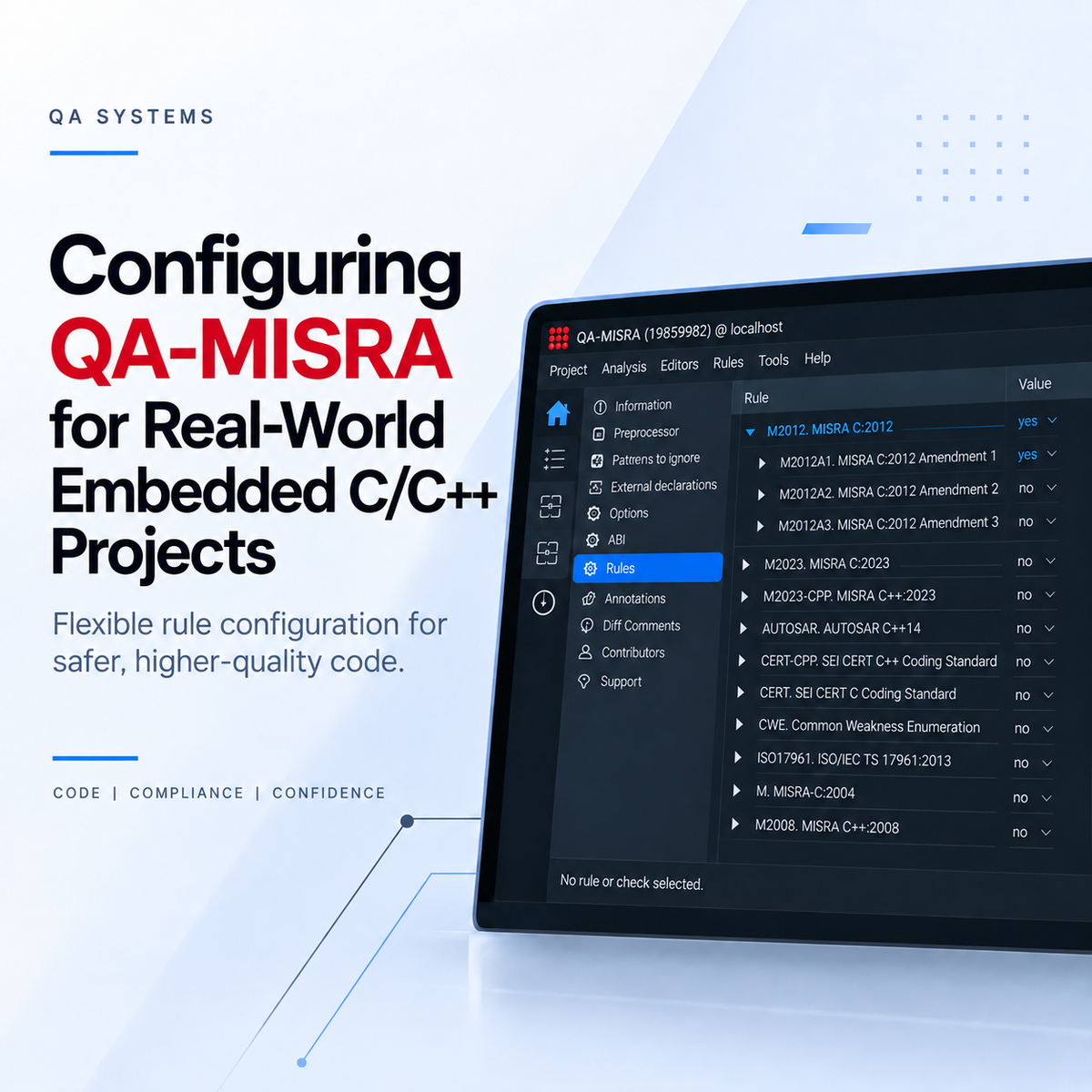
Configuring QA-MISRA for Real-World Embedded C/C++ Projects
Once QA-MISRA has been set up for a C or C++ project, the next step is adapting the analysis to the requirements of the development team. Different projects may follow different coding standard[...]
Read more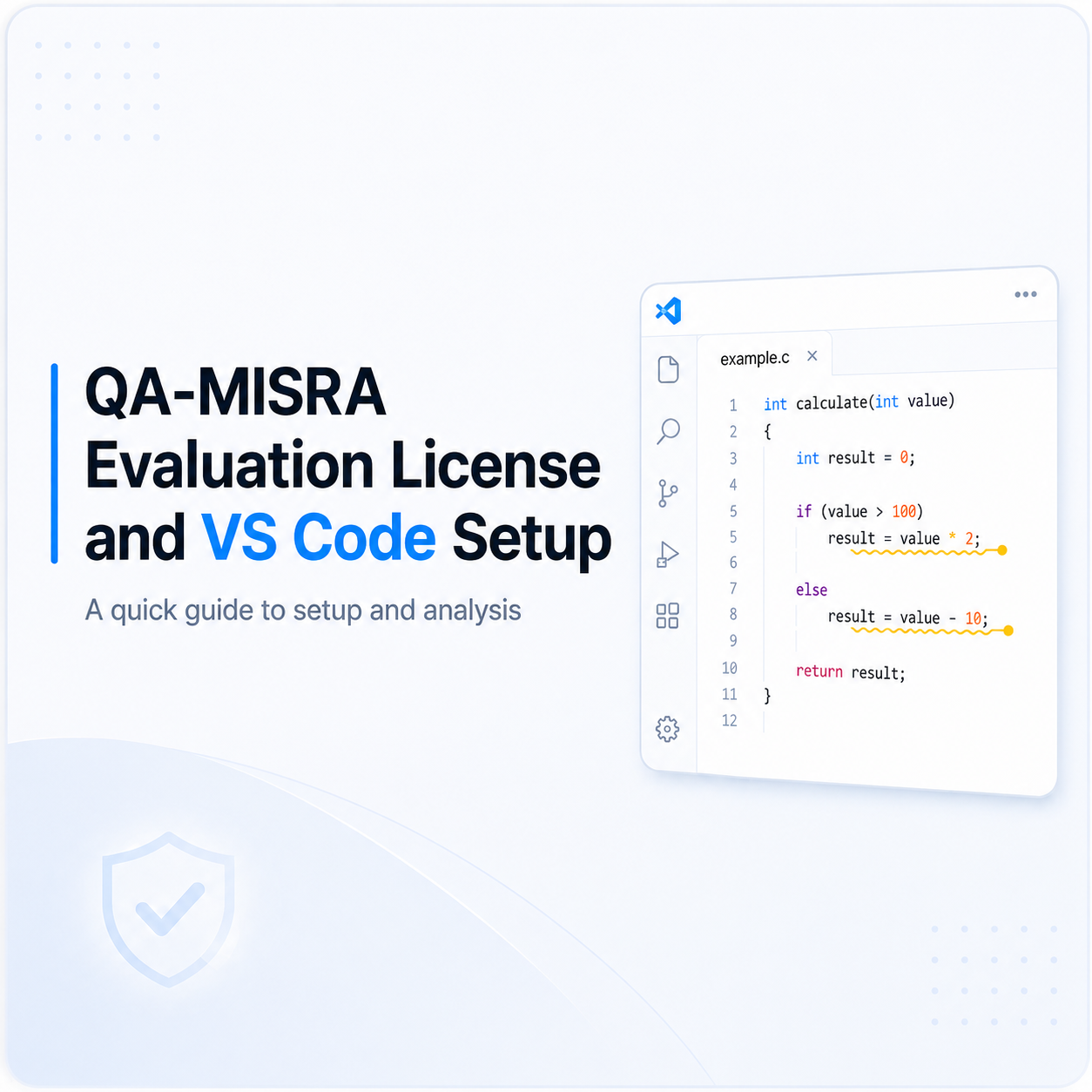
Setting Up a QA-MISRA Evaluation License and VS Code Extension
The following steps explain how to activate a QA-MISRA evaluation license, configure the local server, install the QA-MISRA extension in Visual Studio Code, and run an example analysis. 1. Requ[...]
Read more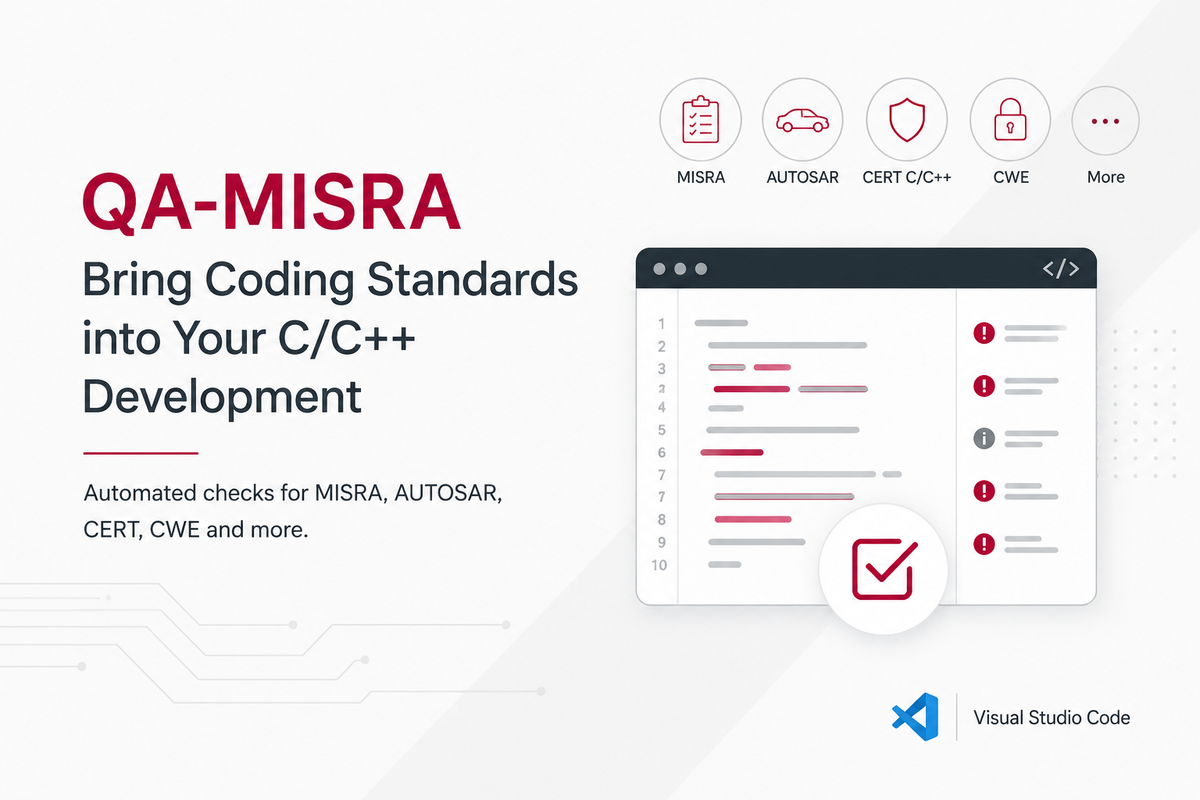
Using QA-MISRA to Bring Coding Standards into C/C++ Development
In embedded and safety-critical software, coding standards help reduce risky language behaviour, improve consistency, and make software easier to review and verify. This is especially important i[...]
Read more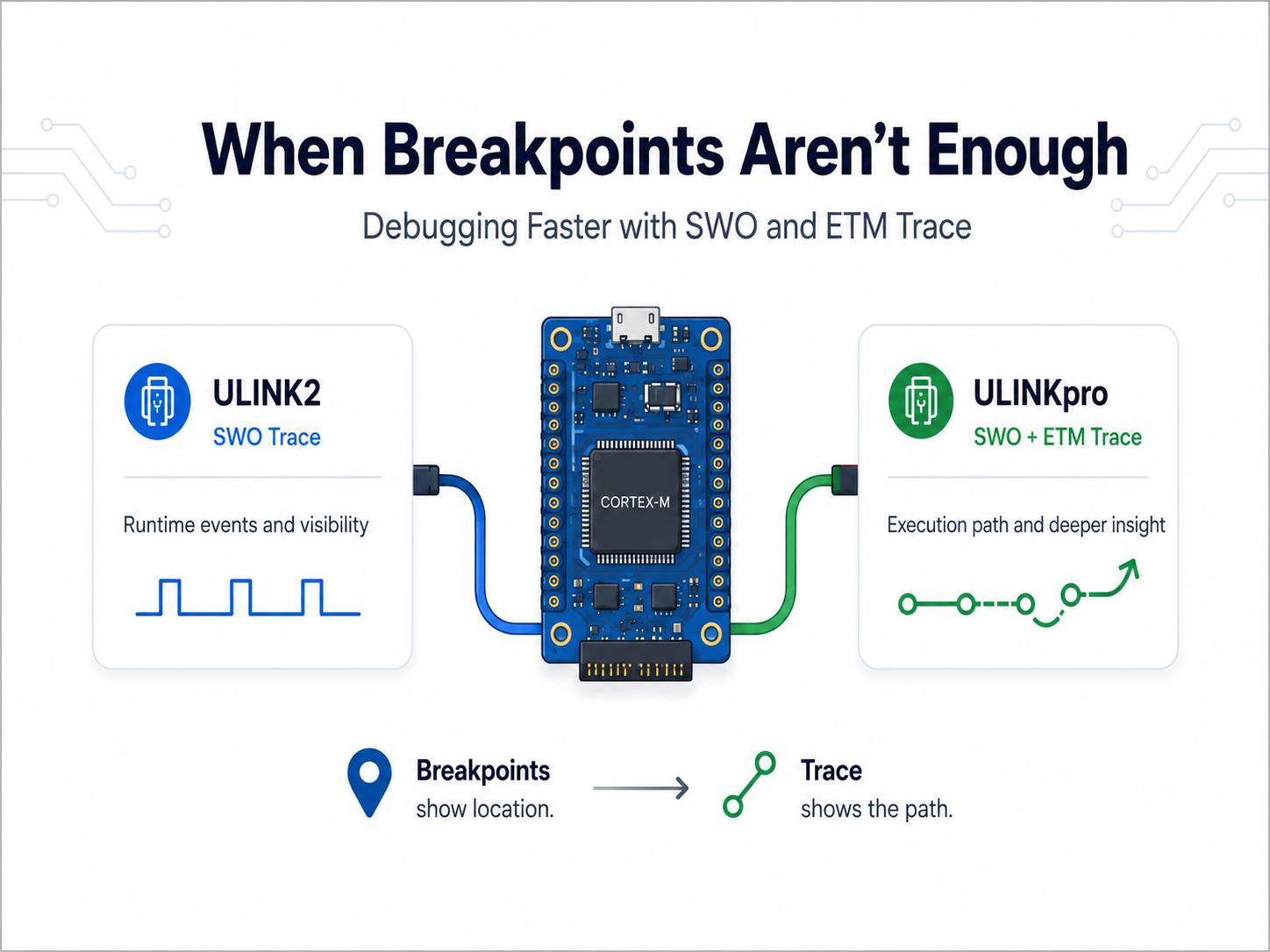
When Breakpoints Aren’t Enough: Debugging Faster with ULINKpro Trace
Most embedded developers are familiar with the usual debugging cycle: set a breakpoint, stop the processor, inspect the problem, make a change, and try again. That works well until the problem [...]
Read more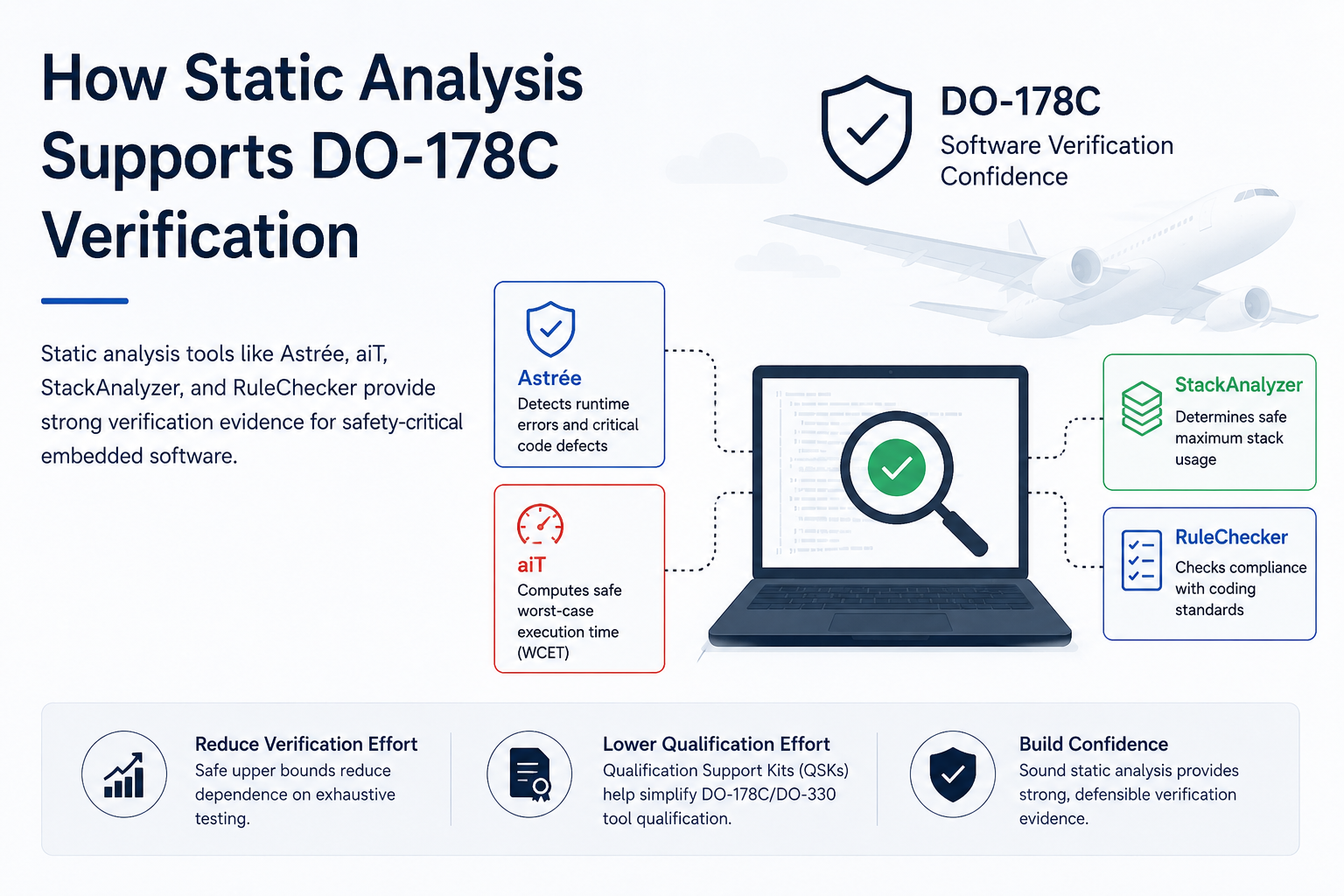
How Static Analysis Supports DO-178C Verification
Developing software for airborne systems requires strong verification evidence, especially for higher-criticality applications. DO-178C defines objectives for airborne software development and ve[...]
Read more
EMBEDDED IS EVERYWHERE

PRODUCTS
Manufacturers
Resource center