
News
Virtual Hardware for Modern Embedded Software Workflows
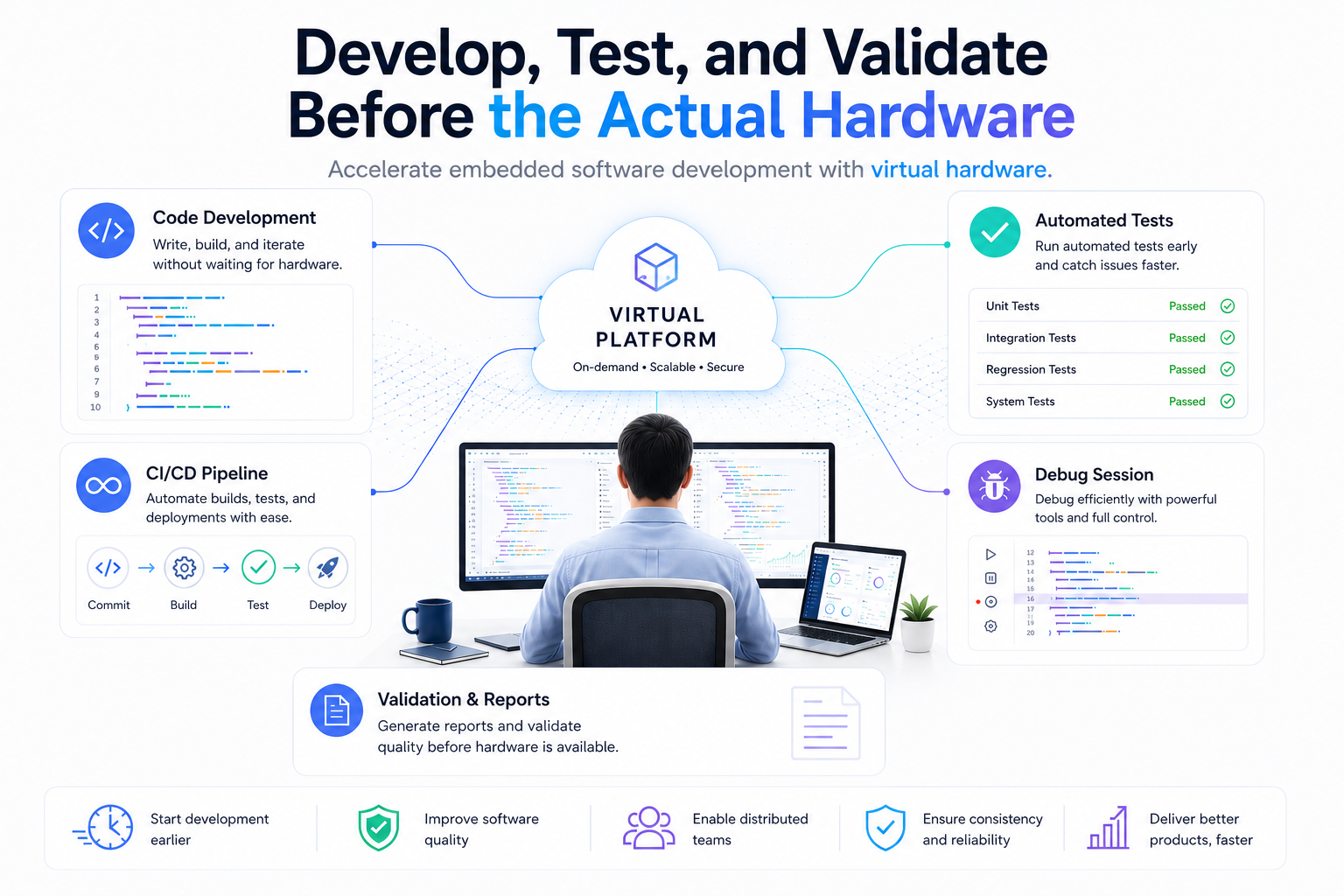
Embedded Software development has traditionally relied on access to physical hardware. While development boards and prototype remain essential, they can also create bottlenecks when hardware availability is limited, teams are distributed across locations, or multiple engineers need access to same platform. These challenges can slow development, testing, and debugging activities, particularly during the early stages of project when rapid iteration is critical. Virtual hardware platforms are helping engineering teams overcome many of these challenges by providing software-accessible representations of physical devices. Solutions such as Arm Virtual Hardware (AVH) allow developers to begin software development, testing, and validation before physical hardware is available. By enabling scalable, cloud-based execution environments, virtual platforms support modern development practices such as continuous integration, automated testing, and remote collaboration while reducing dependence on limited hardware resources. Corellium builds on the concept of virtual hardware by providing Arm-based virtual platforms that support embedded software development, testing, debugging, and validation workflows. By giving developers on-demand access to virtual target platforms, teams can begin software development earlier and avoid delays caused by limited hardware availability. Virtual platforms can also simplify testing by making it easier to run repeatable test scenarios, perform regression testing, and integrate automated validation into CI/CD pipelines. Developers can currently explore supported platforms including Raspberry Pi 4, NXP i.MX 93, NXP i.MX 8M, and the STM32U5 IoT Discovery Kit, providing a practical way to evaluate virtual hardware workflows on widely used Arm-based devices. This flexibility allows development and testing activities to scale more easily while helping teams maintain consistency across projects and locations. As embedded systems continue to grow in complexity, development teams are looking for ways to improve efficiency without compromising quality. Virtual hardware is increasingly becoming a valuable complement to physical devices, helping teams start software development sooner, test more effectively, and support distributed engineering workflows. Platforms such as Corellium make it possible to reduce dependence on hardware availability, allowing engineers to spend more time developing and validating software and less time waiting for access to target platforms. Published by Hrutik Champaneri | Joral TechnologiesFor more information about Corellium and virtual hardware solutions, contact hrutik.champaneri@joraltechnologies.com Learn how virtual hardware can accelerate embedded software development in our on-demand webinar:
Learn more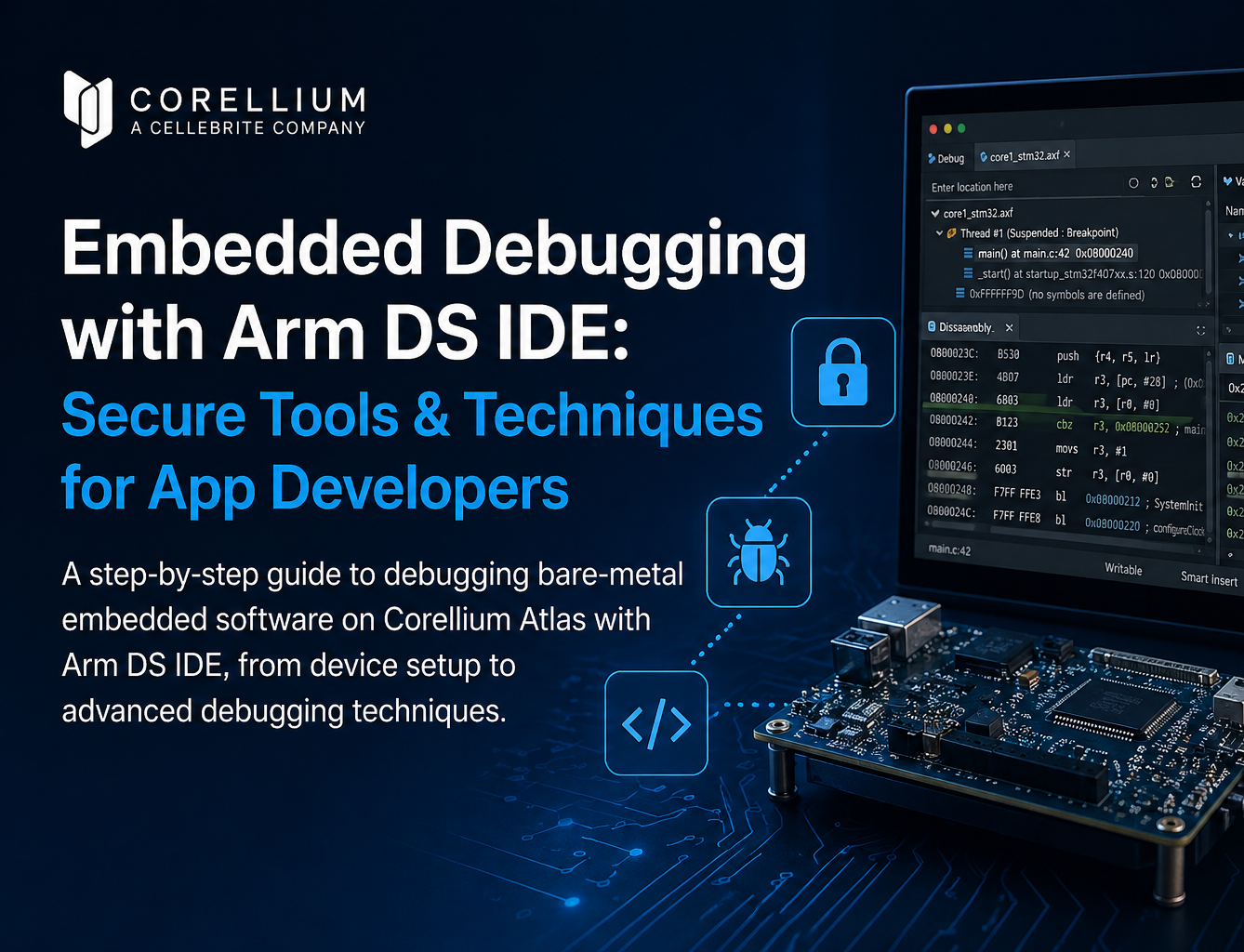
Embedded Debugging Tools: How Atlas Hardware Models with Arm DS IDE
If you’ve ever tried to validate embedded behavior in a virtual environment, you know the pain: you can observe what the system does, but the moment you need to interact with it—drive a pin high, simulate a button press, flick an LED on and off—you’re suddenly deep in custom tooling, rewrites, and one-off scripts.
That’s exactly where I started in a recent customer engagement bringing up their system in Corellium Atlas.
CoreModel is the set of interfaces which we use to virtualize peripherals. We already provide a coremodel-gpio example that could monitor GPIO pins. Great for visibility. Not enough for real testing. I needed true bidirectional GPIO control—the kind that lets you build realistic scenarios, poke the SoC like real hardware would, and keep iterating without restarting your app.
I used Kiro’s spec-driven development flow to go from a rough idea to production-quality C code fast.
What You’ll Learn in This Guide
How to build interactive digital twin sensors using Corellium Atlas
How to control GPIO inputs and outputs in a virtual environment
How to use AWS Kiro’s agentic AI to generate C code from specs
How to automate embedded system testing with CLI commands
How to simulate real hardware behavior without physical devices
Why bidirectional control is essential for firmware validation
How to speed up development with spec-driven design workflows
Here’s what that journey looked like—and why it changed the way I build low-level tooling.
Why GPIO Monitoring Isn’t Enough for Digital Twins
CoreModel is a C API library for remote peripheral interaction in Corellium virtual machines. It’s powerful, lean, and designed for serious systems work. But the GPIO example was limited to read-only behavior.
For my use case, that wasn’t just inconvenient—it was a blocker.
I needed to:
Drive GPIO pins at specific voltage levels (0–5V)
Monitor pins for real-time voltage changes
Switch modes on the fly during runtime
Control multiple pins at once
Test interactively using a CLI (not rebuild-run-repeat)
I wanted to create a real board’s behavior—LEDs, buttons, bidirectional handshakes—inside a Corellium Atlas i.MX93.
That meant writing a new example that fit CoreModel’s patterns, used its select-based event loop correctly, and handling errors accordingly.
Using Agentic AI to Accelerate Development with AWS Kiro
Traditional path:
Start coding
Hit unknowns
Redesign mid-flight
Refactor
Repeat until it works
I needed to accelerate the development of the working solution to quickly hit a timeline for when it would be implemented. I couldn’t sift through every single line of code just figure out how to connect the pieces of the API together.
Instead, I used Kiro’s spec feature.
Specs allowed me to move quickly through the problem in order:
What needs to exist
How it should work
What tasks get us there
Then code
Step-by-Step: Creating Spec-Driven GPIO Controls
That structured approach enabled me to be able to focus on delivery of a working solution faster than reading documentation and reviewing my code line by line.
Step 1: Requirements from the Spec
I had Kiro write a requirements spec that included:
5 clear user stories (output control, input monitoring, runtime commands, docs, error handling)
17 measurable acceptance criteria (so “done” was unambiguous)
Firm boundaries on scope (to produce a working MVP)
Kiro made these into clean, testable requirements. The biggest win wasn’t documentation—it was momentum. With these specific requirements, implementation became an easier direct task.
Step 2: Designs to take action on
With requirements done, Kiro guided a design doc that mapped cleanly to CoreModel’s structure:
Components: argument parser, GPIO manager, command handler, main loop integration
Data model: a simple gpio_config_t to track pin modes and voltage
API plan: using established CoreModel calls like coremodel_gpio_set() and coremodel_attach_gpio()
Error strategy: fail fast, clean up always, no leaks, no undefined behavior
The doc included ASCII diagrams and function signatures, so when coding began, Kiro could easily follow the blueprint it created.
Step 3: Automatic task breakdown
Then Kiro generated an implementation plan:
8 major tasks → 18 subtasksEach tied back to requirements.
With the tasks created, it was easy to follow the logic that Kiro used to build the code for the solution. It was clear what Kiro was working on and building on top of.
Real-Time CLI Testing and Event Handling
Once the tasks existed, the coding phase was the easiest part of the process.
1) Parsing mixed GPIO specs
The CLI had to support hybrid input/output configs like:
./coremodel-gpio-rw 10.10.0.3:1900 gpio1 0 1=3300 2 3=1800
Meaning:
pins 0 and 2 → inputs (monitoring)
pins 1 and 3 → outputs at 3.3V and 1.8V
Kiro helped me implement robust parsing with strict validation and clear user errors without having to worry about cumbersome argument handling.
2) Integrating stdin into CoreModel’s event loop
CoreModel uses select() for its event loop. I needed to extend it without breaking established flow.
The custom loop:
calls coremodel_preparefds()
adds stdin to the read set
handles both model events and interactive commands
supports clean shutdown from signals or quit
This was a subtle integration point—and the spec made it predictable.
3) Interactive runtime commands
The CLI supports:
set

EMBEDDED IS EVERYWHERE

PRODUCTS
Manufacturers
Resource center